The Qubo 3 Channel Dashcam Pro 2K is an advanced in-car video
recorder that captures the
front road, inside the cabin, and rear traffic simultaneously. It
enhances safety, provides
evidence in case of accidents or disputes, and records memorable
journeys.
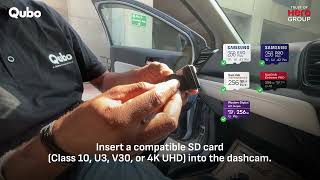
The dashcam supports microSD cards up to 1TB. Use U3, V30, or 4K UHD
compliant cards for best
performance. Lower performance SD cards may cause jerky video or
improper functionality.
Note: Lower performance SD cards will lead to jerky
video and incorrect functionality.
No. The dashcam is designed for easy DIY installation.
However, to enable Parking Mode, a Hardwiring Kit
(sold separately) is required,
and professional installation is recommended.
You need the Qubo Pro App, available on both
Android and iOS.
Yes, it supports 2.4GHz Wi-Fi for connecting with
your smartphone.
Yes, it has built-in GPS to record location, speed, and
route data along with your video footage.
Yes. However, if you are using Wireless Apple
CarPlay or Wireless Android Auto,
you must temporarily disconnect them while connecting your phone to
the dashcam’s Wi-Fi.
The dashcam supports multiple recording modes for different
scenarios:
Note: The rear and cabin camera feeds are not
mirrored.
They are captured in First-Person View (FPV) format
for natural-looking footage and better visibility of number plates
in the rear camera.
Yes. With front and cabin cameras plus audio recording, you can
easily record scenic drives and create journey vlogs.
Yes. HDR technology and infrared (for cabin view) ensure clear
low-light and nighttime recording.
Yes, you can generate time-lapse videos for any one day from the
last five days.
Absolutely. The recordings act as reliable video evidence for
insurance claims, accident investigations,
traffic challan disputes, and road rage incidents.
Yes. The device may feel warm during long recordings or when Wi-Fi
is active.
This is completely normal.
Parking Mode requires the Qubo Hardwiring Kit (sold separately)
connected to your car’s fuse box.
Ensure it is installed and enabled in settings.
This happens because Wireless CarPlay/Android Auto also uses Wi-Fi.
Disconnect them temporarily to connect with the dashcam.
No. All recording and playback features work without a subscription.
Keep your purchase receipt as proof of warranty. Accessories can be purchased through Qubo’s official website or
authorized retailers. Please contact the Qubo helpline. They will help with safe and lawful
disposal of electronic products. How to install Smart 3 Channel Dashcam N Series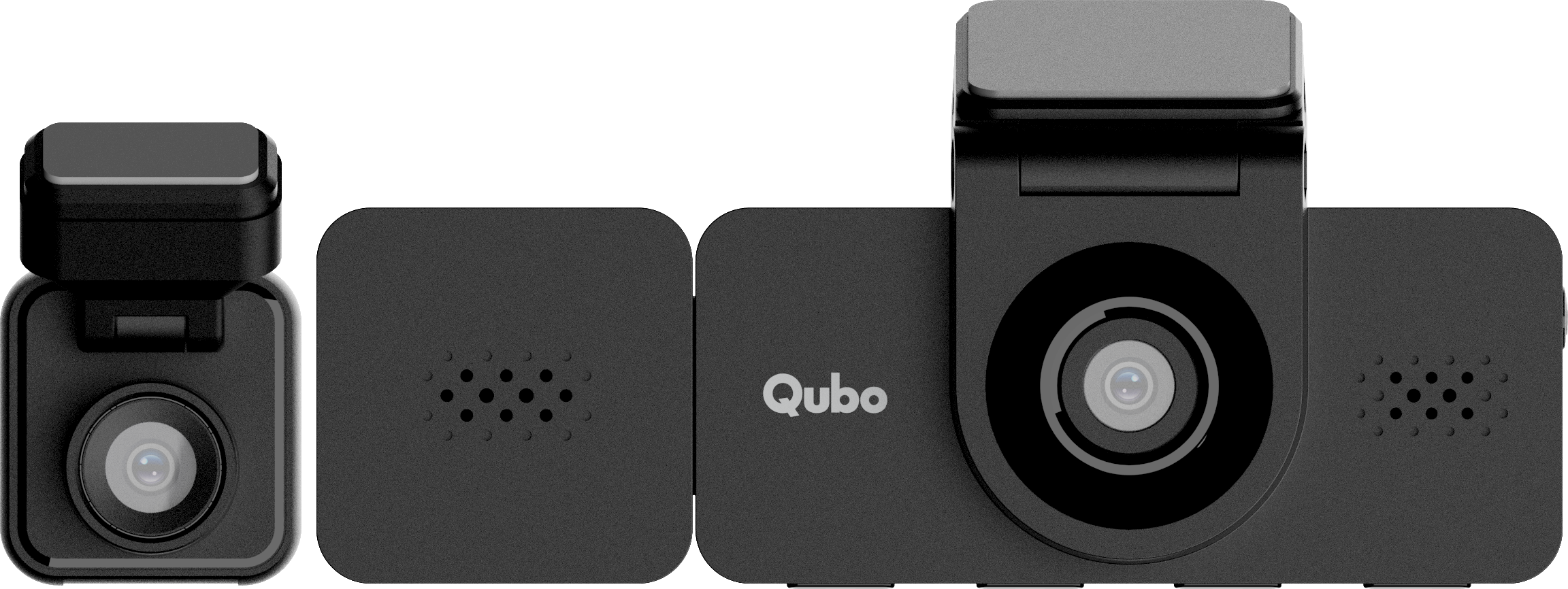

Back
Smart 3 Channel Dashcam N Series
User Manual
From setup to advanced tips, our guides make it all simple!
How-to videos
FAQs
Basic Introduction & Key Features
Setup & Installation
Connectivity & Compatibility
Daily Usage
Troubleshooting & Error Handling
Subscription, Warranty & Support