Video Doorbell Pro


General Queries
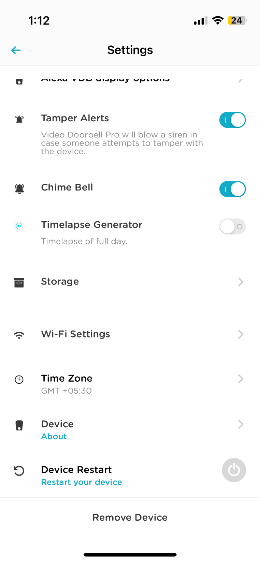
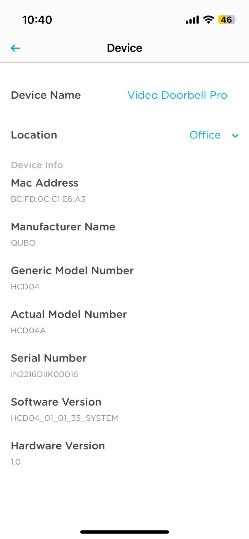
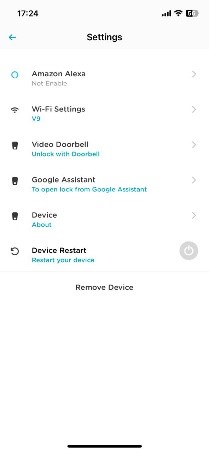
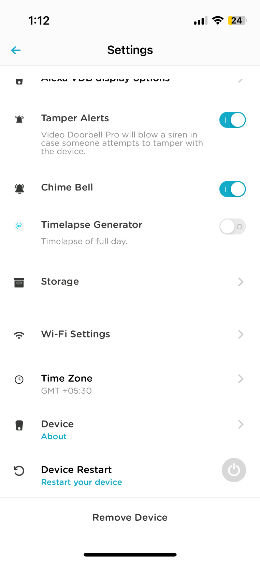
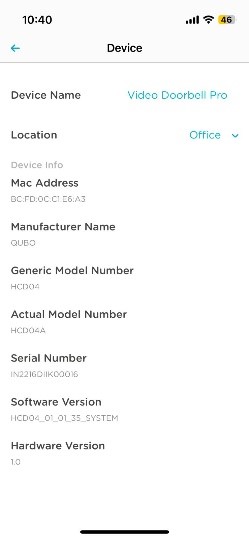
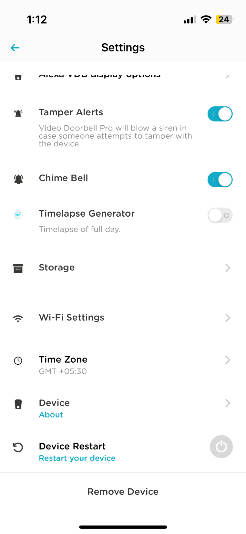
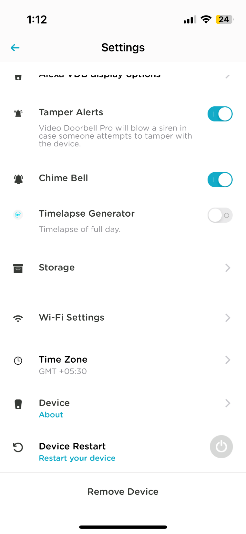
The mac address is on app. Click on ???Device Setting???>>Scroll down & tap on Device. By clicking on Device, you will get the mac address of the device
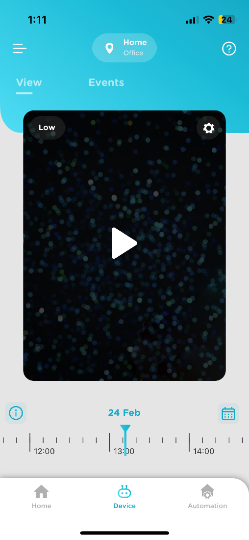
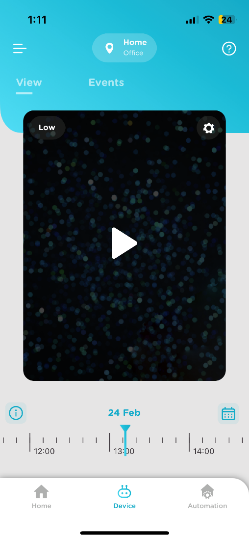
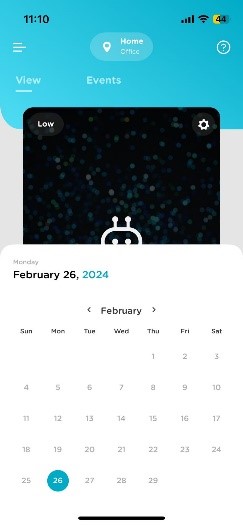
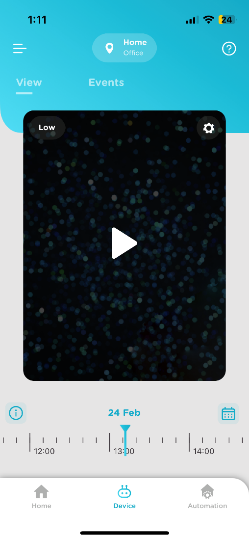
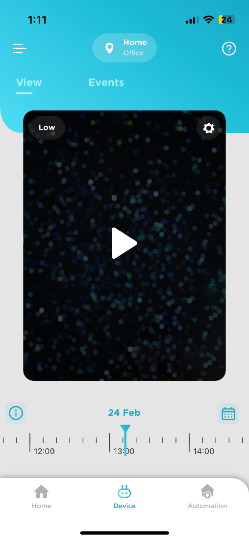
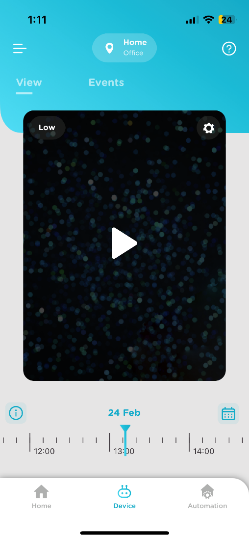
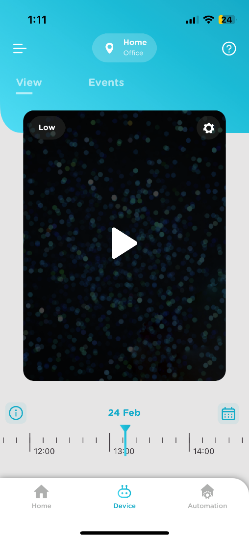
You can view past Events by using a calendar provided on screen then select the date for the recordings/Event you are looking for.
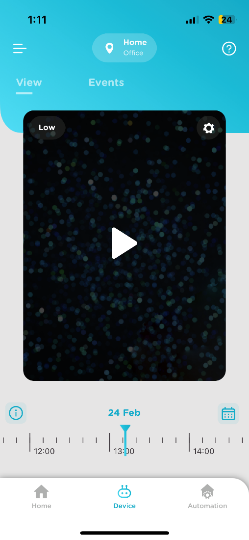
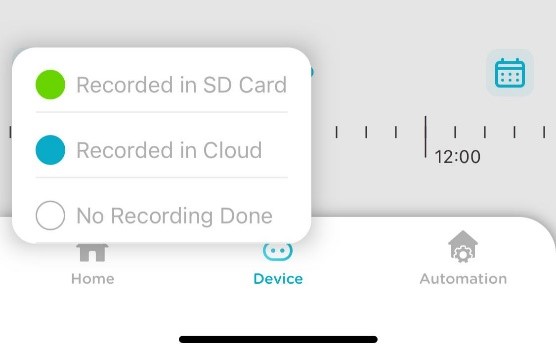
The timeline scrubber is a timer with a line that indicates a point in time in the scene. You can drag the time scrubber along the timeline to jump to a specific time in the scene/video. Color Code represent the video saved. i.e Green Color represent that Videos are saved in SD Card, Blue color represent that videos are saved on Cloud and White represent that no recordings have been done for that particular time.
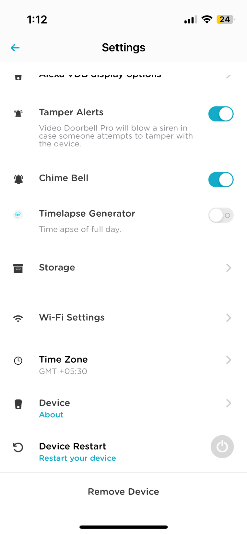
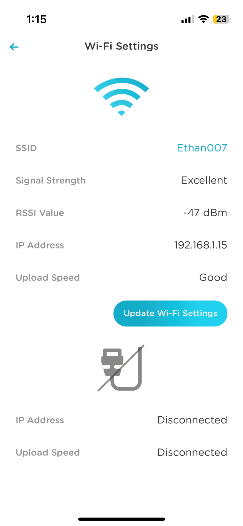
Yes, you can check Wi-Fi Signal Strength from your Qubo App. Select Video Door Bell Settings >>Wi-Fi Settings, you will see the signal strength. Device works best with excellent signal.
The chime bell is already paired with Qubo Video Door Bell. In case you need to pair the chime bell for some reason then use below steps:
- Press the Middle Volume Key for 5-10 sec till you hear a ???Ding-Dong??? Chime
- Immediately Press the VBD pro Bell button & wait for few seconds for VBD Pro pair with chime bell
- Check if chime bell is working by pressing VBD pro bell button
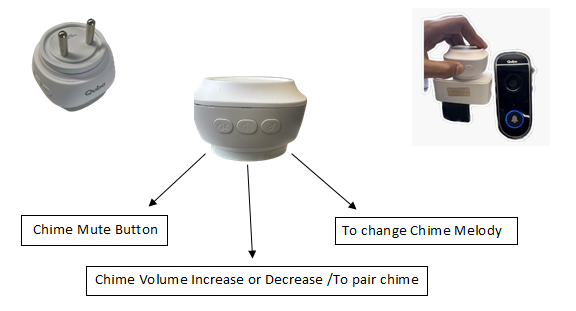
Yes, you can by pressing on volume mute button or you can power off chime bell when not required.
or
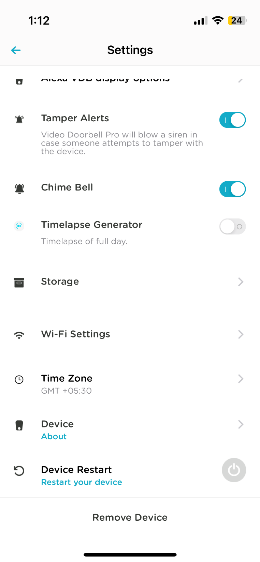
- Go to Device settings
- Scroll Down and toggle off Chime Bell Option
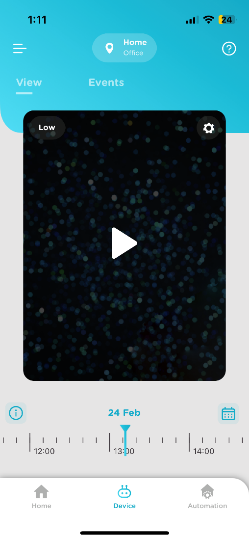
There could be multiple reasons. Please check below:
- Check your power outlet for supply, and try again
- Check if your device is paired with Door Bell
- Check your app if the Chime is off from Settings
- Check if you have turned ON chime option in device setting.
- Check if you have not accidentally muted chime manually via mute button on chime bell.
- Check for the volume level via button on the Chime bell.
Video doorbell pro comes with inbuilt gateway to unlock your Qubo door lock and hence you don't require any additional purchase of Wi-Fi gateway like in previous model to unlock your Qubo door lock. It is must to pair VDB pro and Qubo door lock to unlock Qubo door lock remotely. The feature can be accessed only when you have accepted the instant video call. Tap on unlock icon >>Tap on yes>>You have successfully unlocked the door tap on Ok
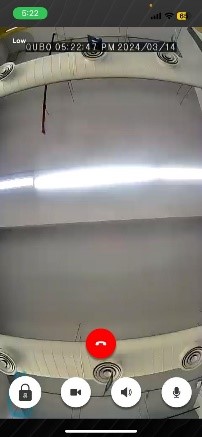
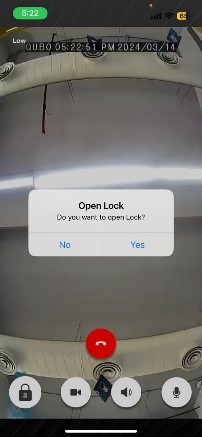
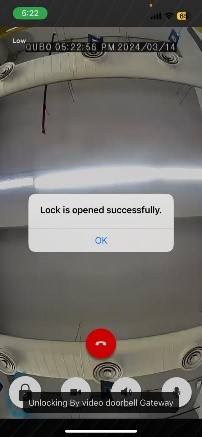
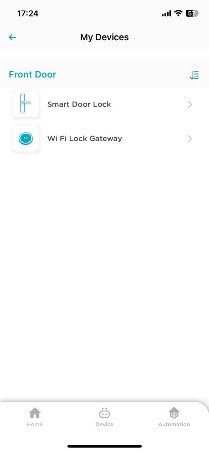
Tap on my Devices>>Tap on name of your Smart door lock which you want to pair with>>Tap on connect to Wi-Fi gateway>>Tap on VDB Pro>>Select your VDB pro>>Tap on Done>>Qubo door lock and VDB pro are paired Successfully
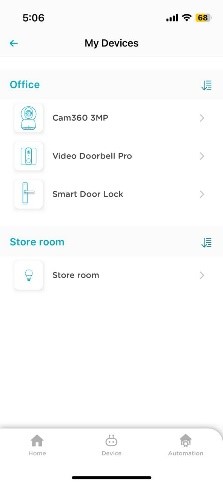
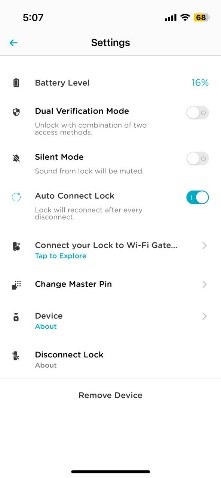
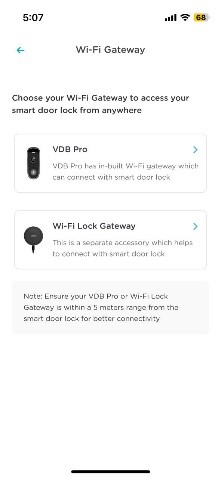
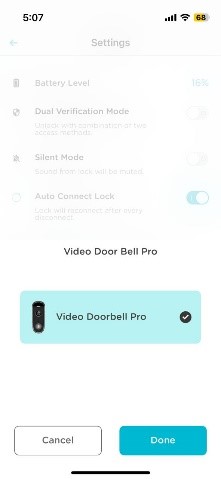
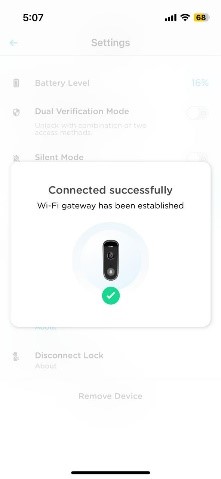
Tap on my devices>>Tap on Wi-Fi gateway which you want to remove>>Tap on Remove the Device
Connection and Commission
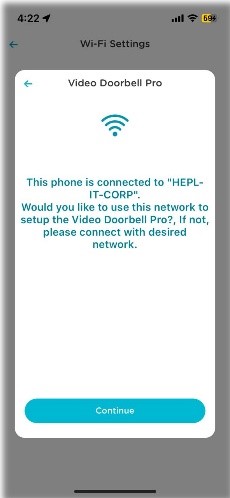
- Go to app settings and scroll down to ???Wi-Fi Settings???.
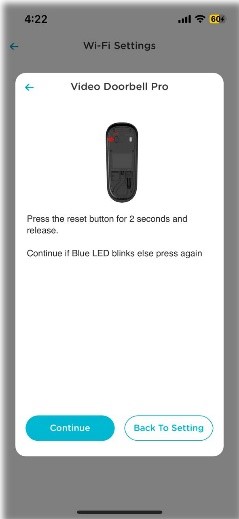
- Press the reset button for 2 seconds and release.
- Once the LED starts blinking on the device, now choose the Wi-Fi network to which you want your device to be connected.
- Scan the QR code, after that and wait for around 10 seconds for completion.
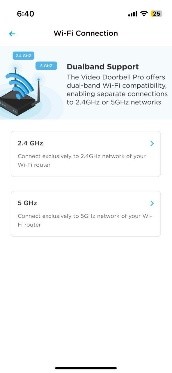
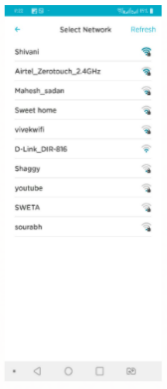
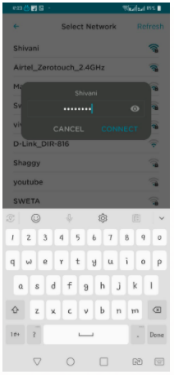
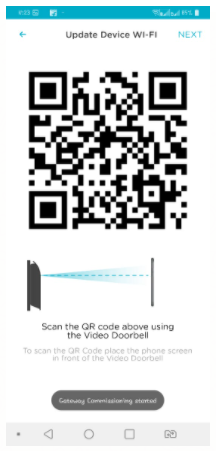
The Serial Number is on app. Click on ???Device Setting???>>Scroll down & tap on Device. By clicking on Device, you will get the serial number of the device.
Qubo Account, Access to Device, Installation & Reset
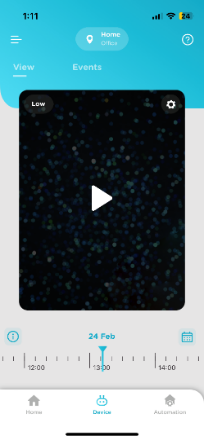
Click on the Settings Icon on the top right corner of your Qubo app and select Remove. Refer to the screenshot below
Follow the below procedure:
Hard reset
- Switch off the Tamper Alert for Video Door Bell Pro from Qubo App.
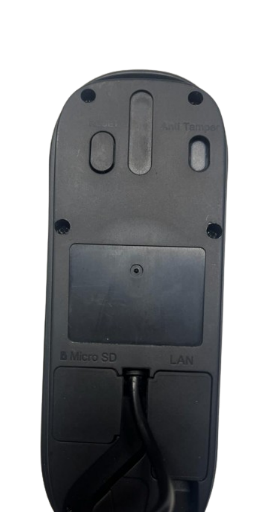
- Open Video Door Bell Pro from upper screw.
- Press reset button provided above the device
- Press it for 10 Sec.
Please note, factory reset will make your device into its original system state by erasing all the previous information stored on the device in an attempt to restore the device to its original manufacturing settings.
There can be multiple reasons that your VDB becomes offline. Below are some conditions:
- Poor Wi-Fi Connectivity
- No Power/Electricity
- Loose Adapter Connection
- Loose Ethernet Connection
There could be multiple issues. Below are some of them:
- Device is in offline mode may be because device is switched off or there is no internet connectivity
- Poor Internet connectivity on mobile
- Notifications are set to Mute in the Android/iOS mobile setting
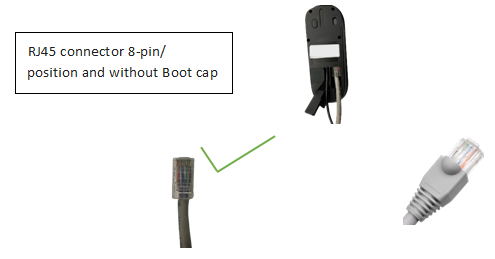
Yes, it does support POE (Power over Ethernet). Power over Ethernet is a technology that enables electrical power to be transmitted over Ethernet cables, streamlining the installation process for network devices by eliminating the need for separate power sources.
Camera Centric
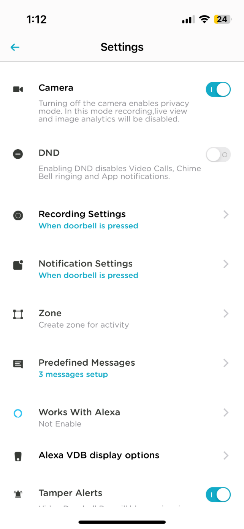
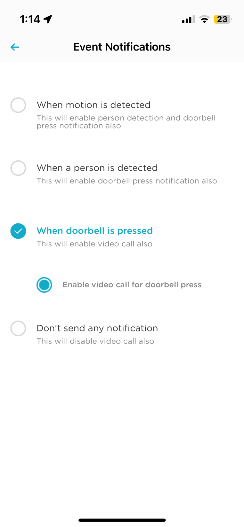
Qubo Video Door Bell Pro records video clip only if it detects motion or person or in case of Door Bell Press, so that you are not flooded with hours of video recorded data and can just browse through meaningful video clips. You can select if the camera shall do recording for either motion, Person detection or Door Bell pressed. Motion detection also records person detection & Visitor press doorbell events.