


Make your Car Secure & Smarter with GPS Tracker
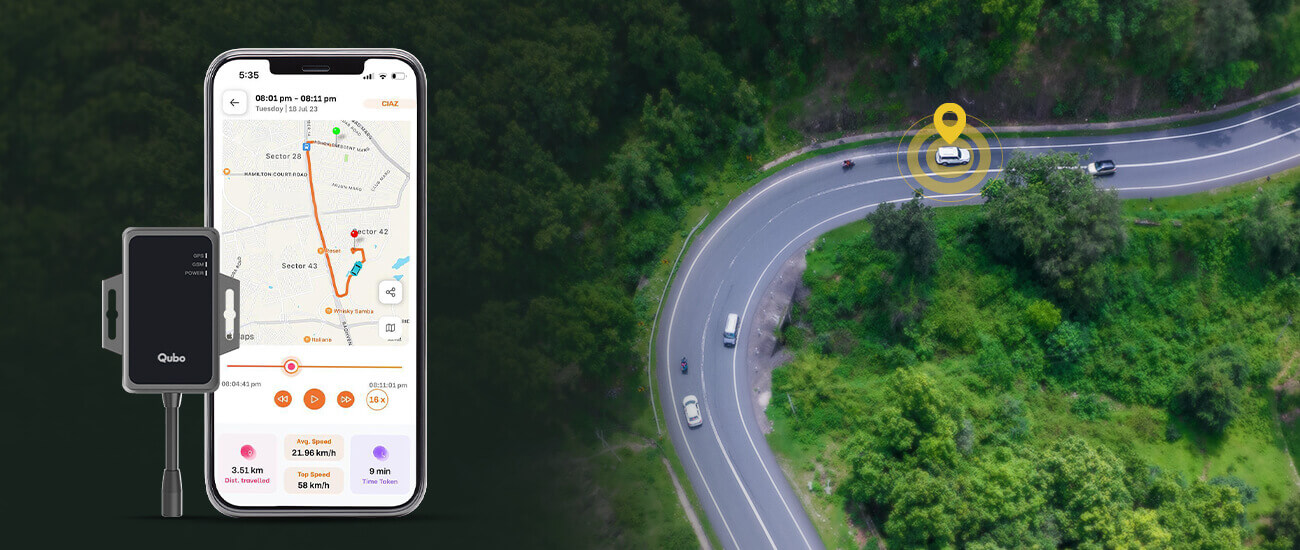
By installing Qubo smart GPS tracker in your car, you have taken a leap towards family safety and monitoring, car theft prevention* & recovery, and emergency response. Here’s how your car GPS Tracker keeps you and your car safe.
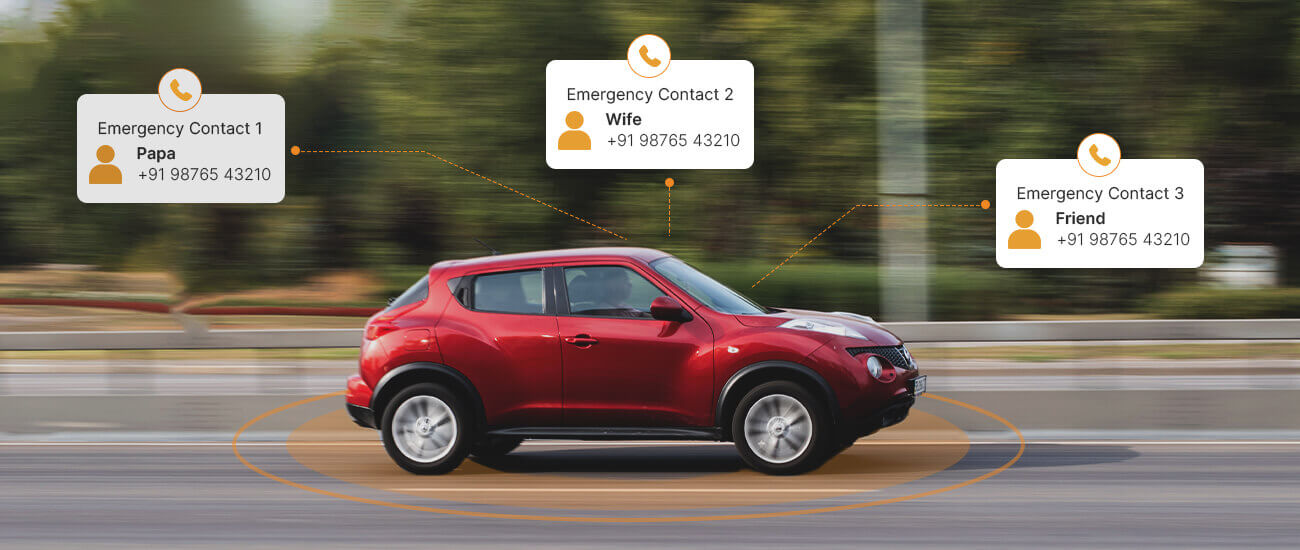
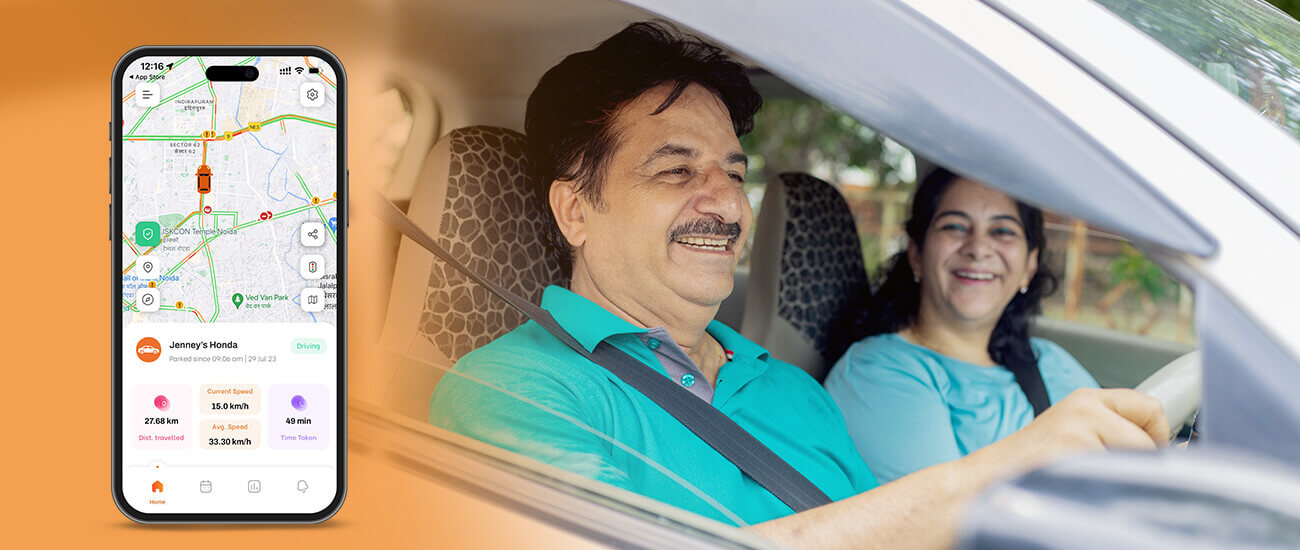 Qubo’s proprietary AI algorithms running on the Qubo GPS tracker detect a potential crash and immediately notify 3 emergency contacts provided by you. It will hopefully provide reassurance, especially in emergencies or unfamiliar locations, enhancing overall family security and quickening emergency response. This is how you can customise your tracker settings to maximise personal & family safety on the road.
First recommended to-do after tracker installation is to set emergency contacts. This will ensure that these contacts are informed upon any unfortunate event and will contribute to a quicker emergency response. Set emergency contacts for your Car GPS Tracker on Qubo Go app by following the steps mentioned below.
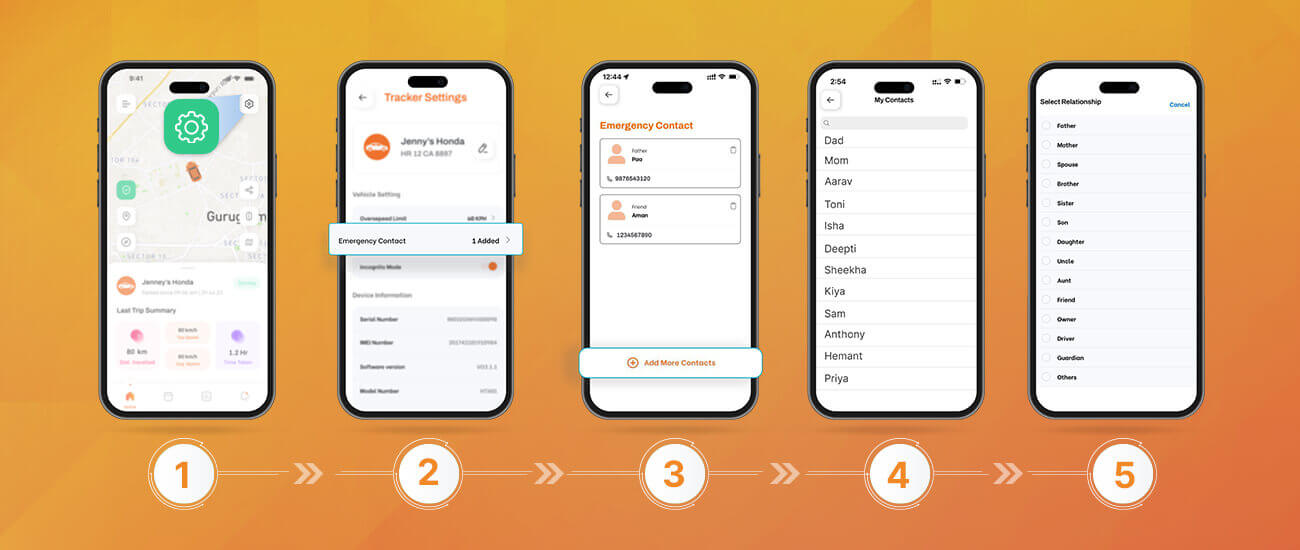
Step 1: Click on settings on the top right of the app home screen.
Step 2: Click on Emergency Contact under the General Settings section.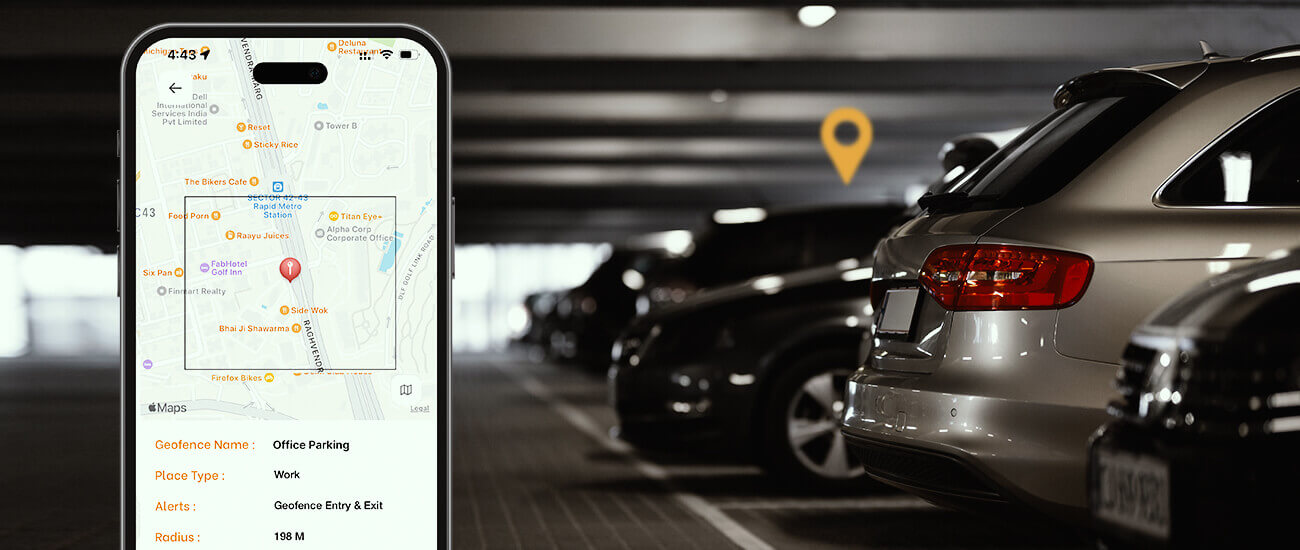
For instance, our patron Tina’s young kids get driven to their skating classes everyday. So Tina has created a geofence around the skating class and gets notified every time her kids enter and exit the location. This way, she’s able to track her kids’ safe departure and arrival.
Here’s how you can set geofence alerts on the Qubo Go app.
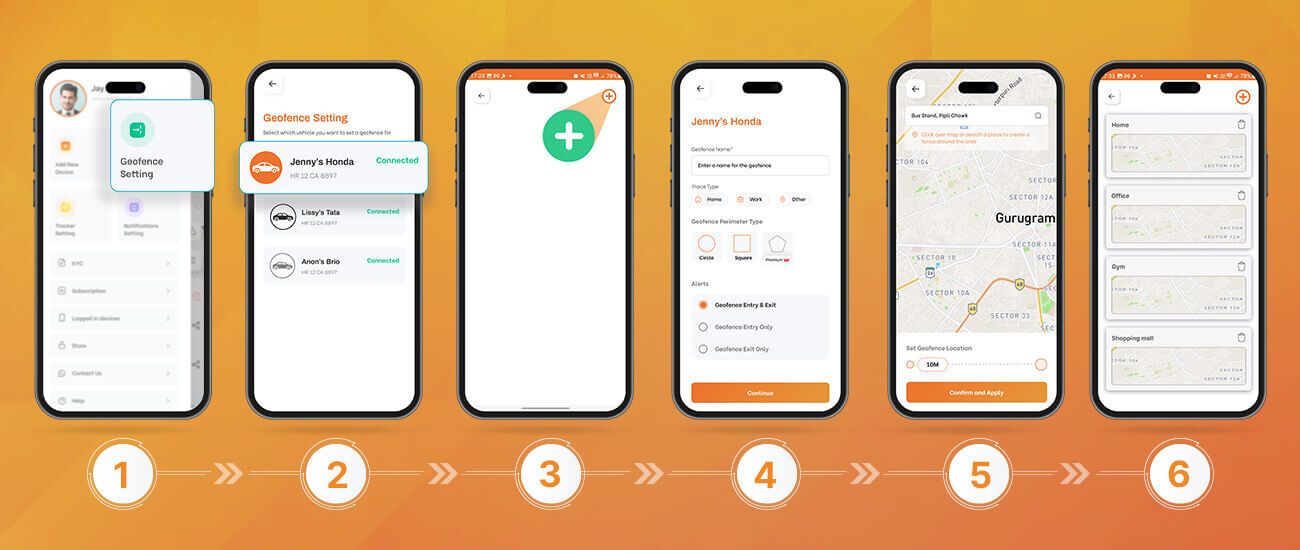
Step 1: Go to the hamburger menu on the top-left side of the Qubo Go App and select Geofence settings
Step 2: Select the vehicle you want to set geofence for
Step 3: Click on the plus icon on the top-right of the app
Step 4: Fill out the details like Geofence name, place type, perimeter type & when you want to receive geofence-related alerts; and press continue.
Step 5: Select the geofence area. Please note that you can set the geofence range between 100m and 10 kms.
Step 6: Add up to 10 geofences based on your current subscription plan.
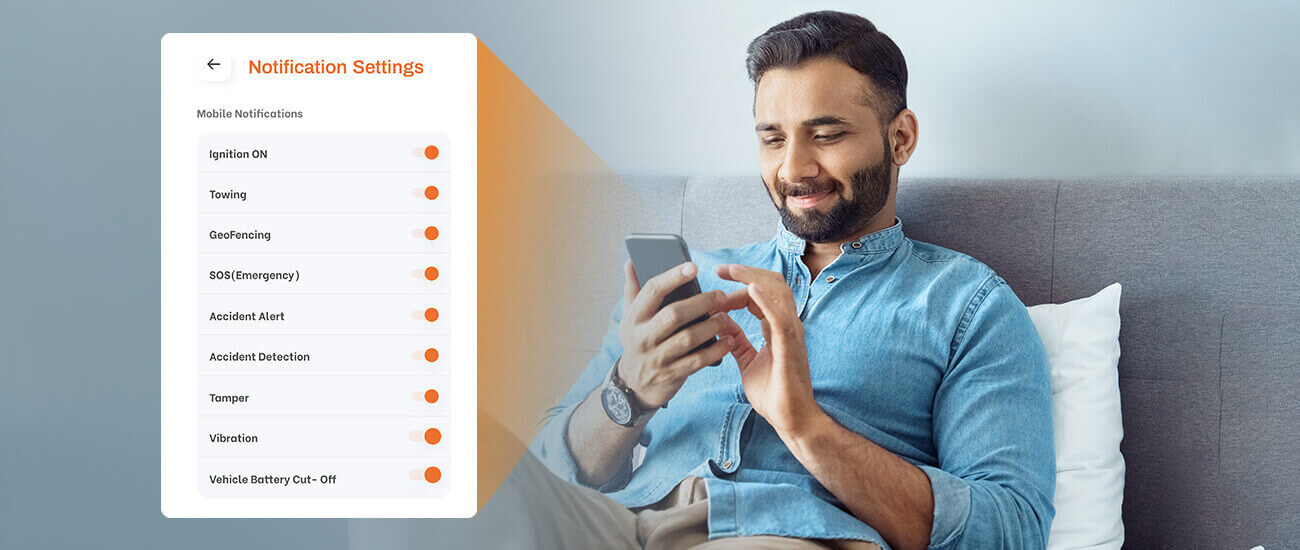
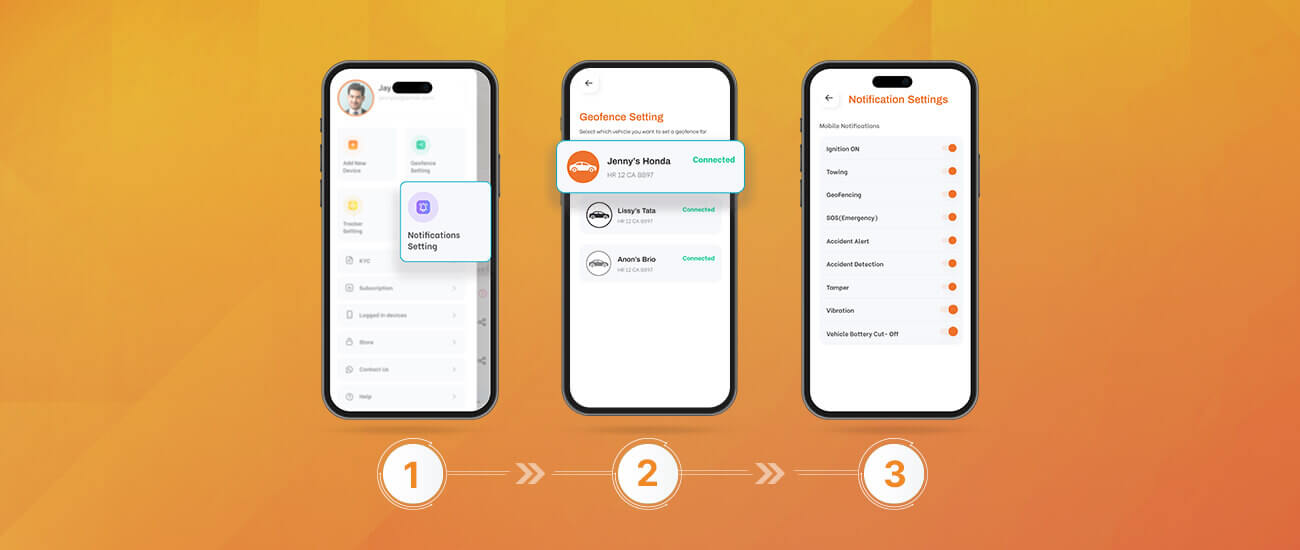
Step 2: Choose the vehicle you want to customise call notification settings for.
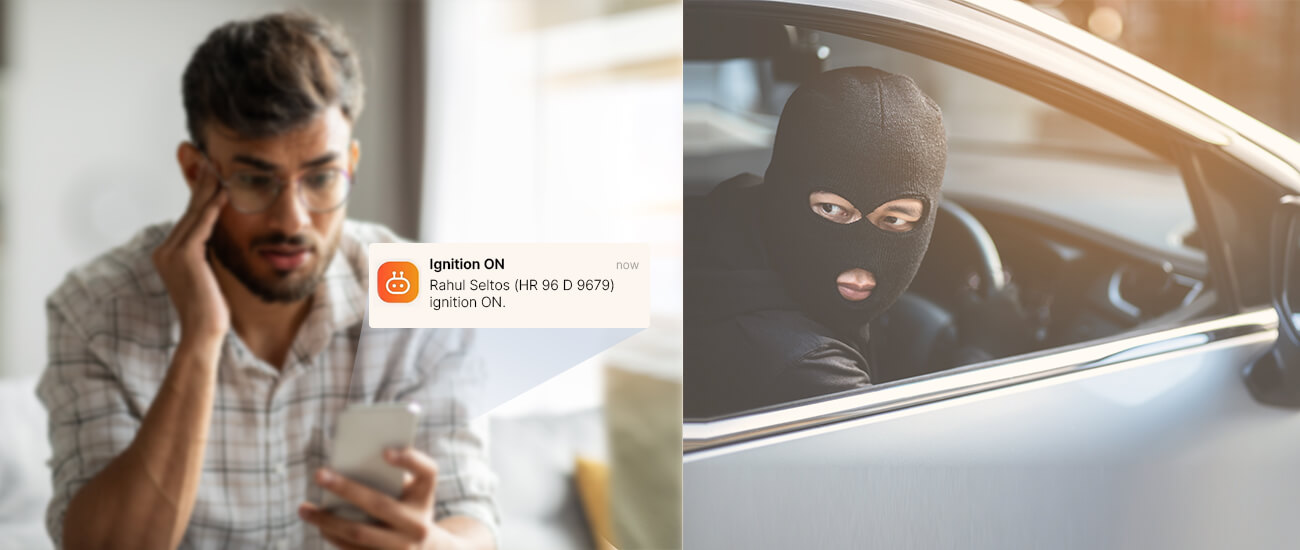
Step 3: Customise your phone notification alerts on events like ignition on, towing, geofence, SOS, accident detection, vibration, vehicle battery cut-off and tamper.We understand that there are times when you are in full control of your vehicle safety and do not want to get notifications. For such cases, you can turn on the DND mode and mute notifications of all your vehicle trackers at once.
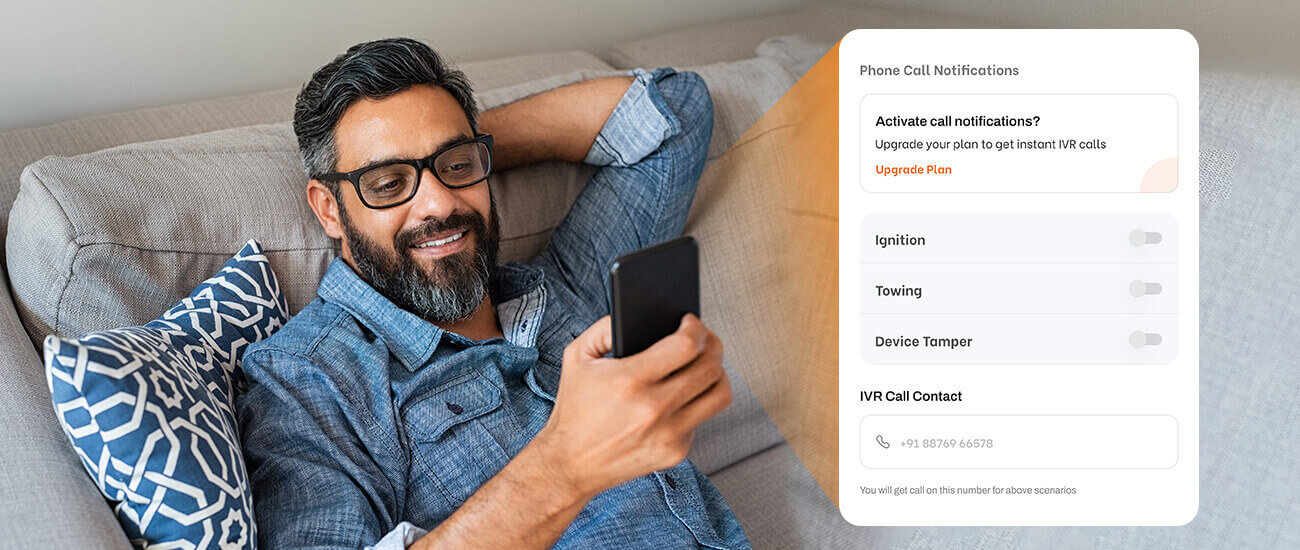
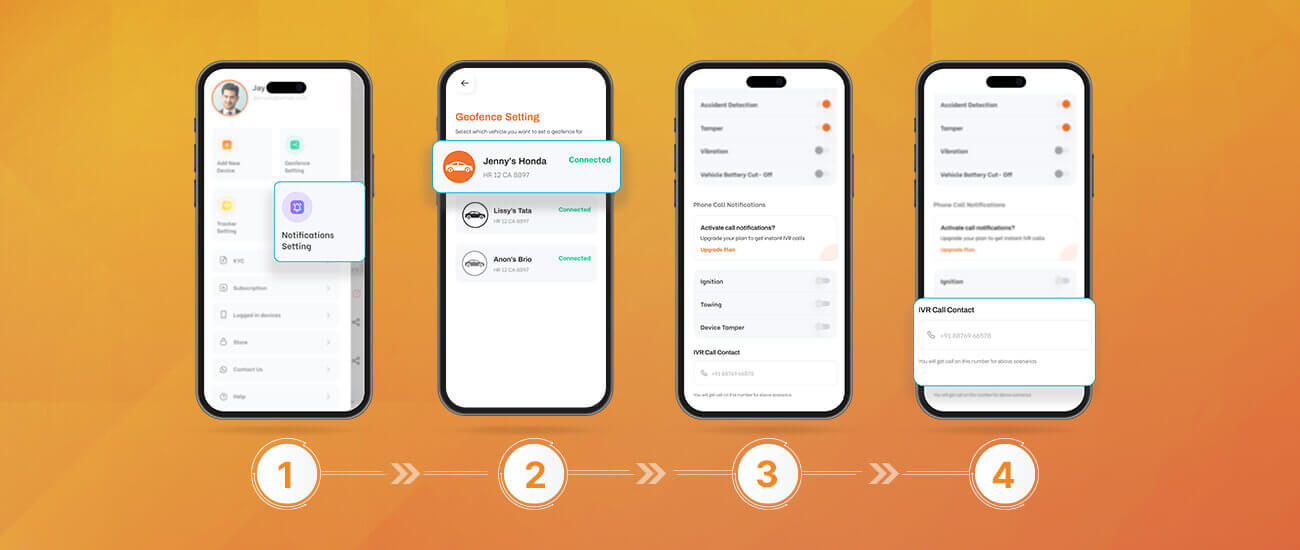
Step 1: Go to the hamburger menu on the top-left side of the Qubo Go App and select Notification settings
Step 2: Choose the vehicle you want to customise call notification settings for. Please note that you need the Pro+ plan for this.
Step 3: Customise your phone call alerts on events like ignition on, towing and tamper.
Step 4: Set a phone call contact in case any of the above-mentioned events occur.
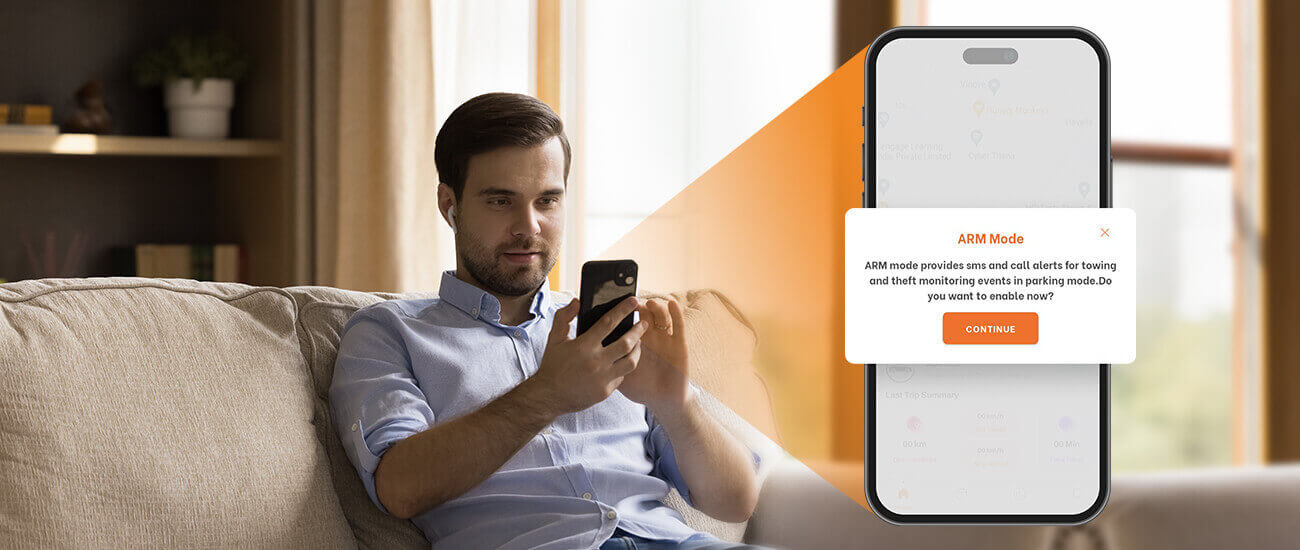
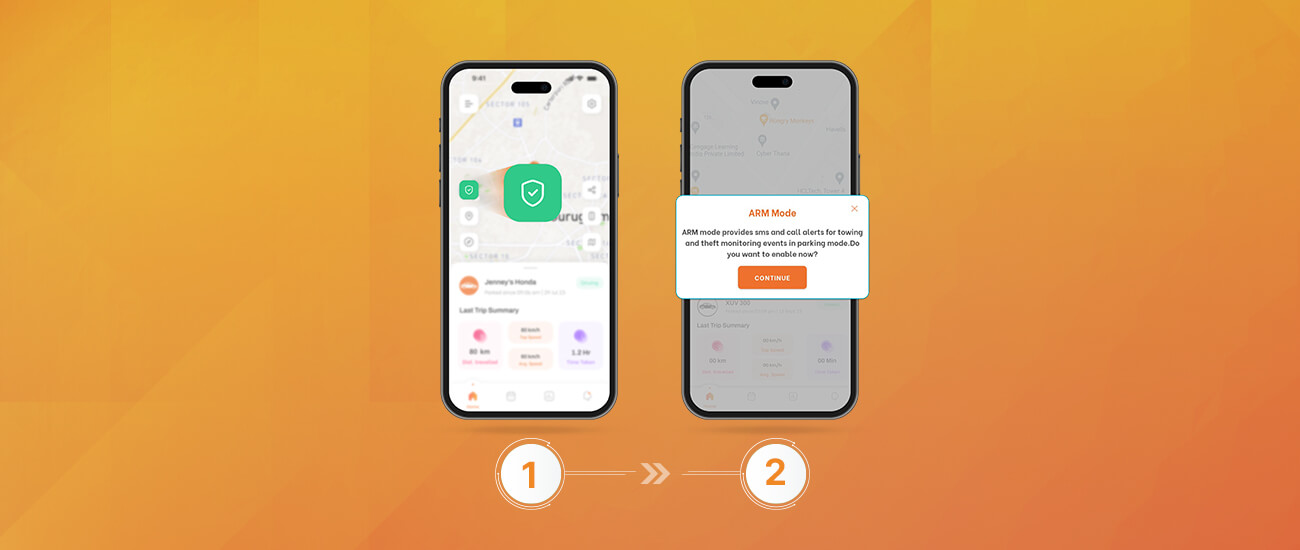 Step 1: Click on the security icon on the left side of your app home screen.
Step 2: A dialogue box with a brief description of the ARM mode opens up. Click on Continue to confirm if you want to enable the arm mode.
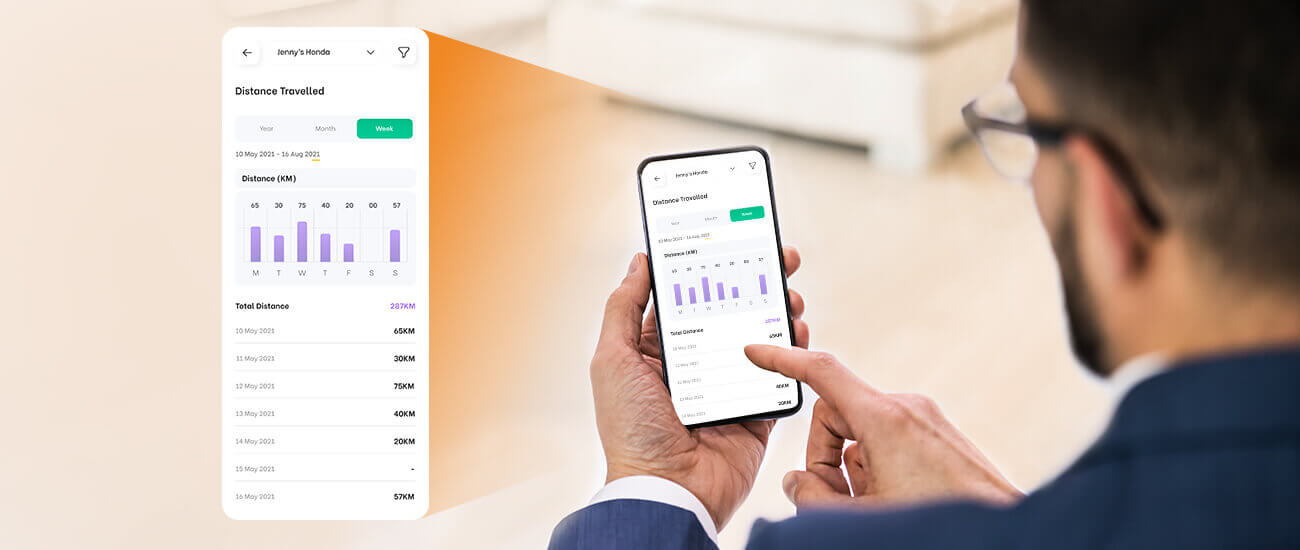
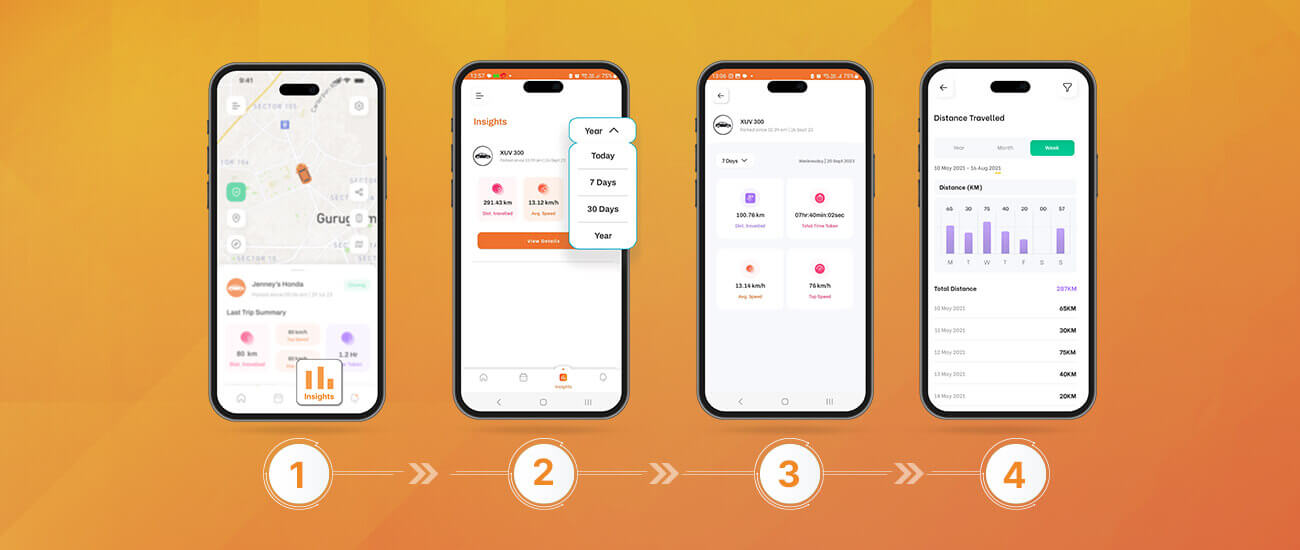
Step 1: Click on the insights icon in the bottom bar of the app. Choose the timeframe for your driving insights. You can choose a timeline between 7 days and 1 year.
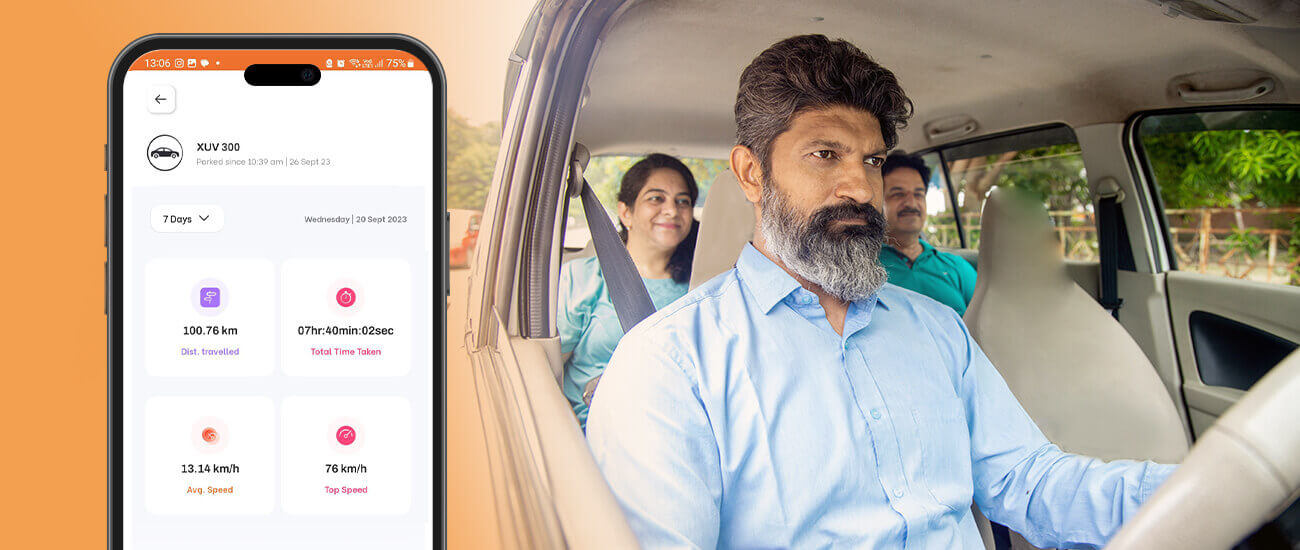
Step 2: You get an overview of the distance travelled, average speed and the number of trips taken within the selected timeframe. Click on View Details to dive deeper into your driving behaviour insights.Step 3: You get clickable blocks of speed, time taken, average speed and distance travelled that can be used to further project your driving insights as lists and graphs.
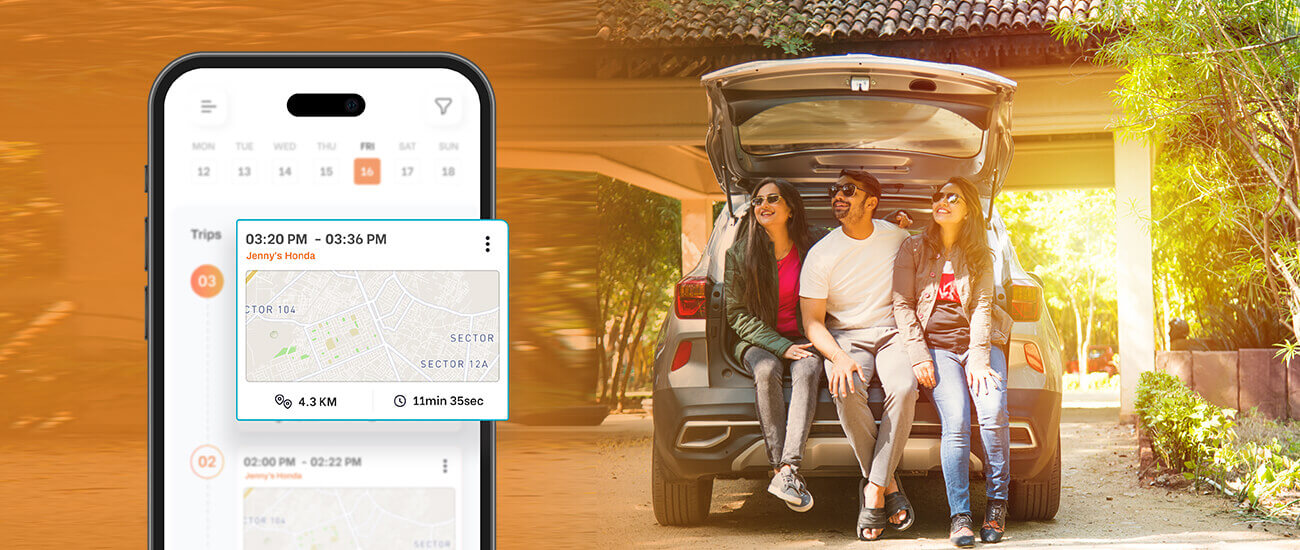
You’re on a road trip to completely new terrain and have taken up the challenge of driving your car up a steep hill. The thrill of the drive adds up when you can get insights of how you performed at your task. This is when the day-wise trip overview can help you totally boost your confidence or give you a check of the how-tos in the area. Follow the mentioned steps to get a day-wise overview of your driving behaviour.
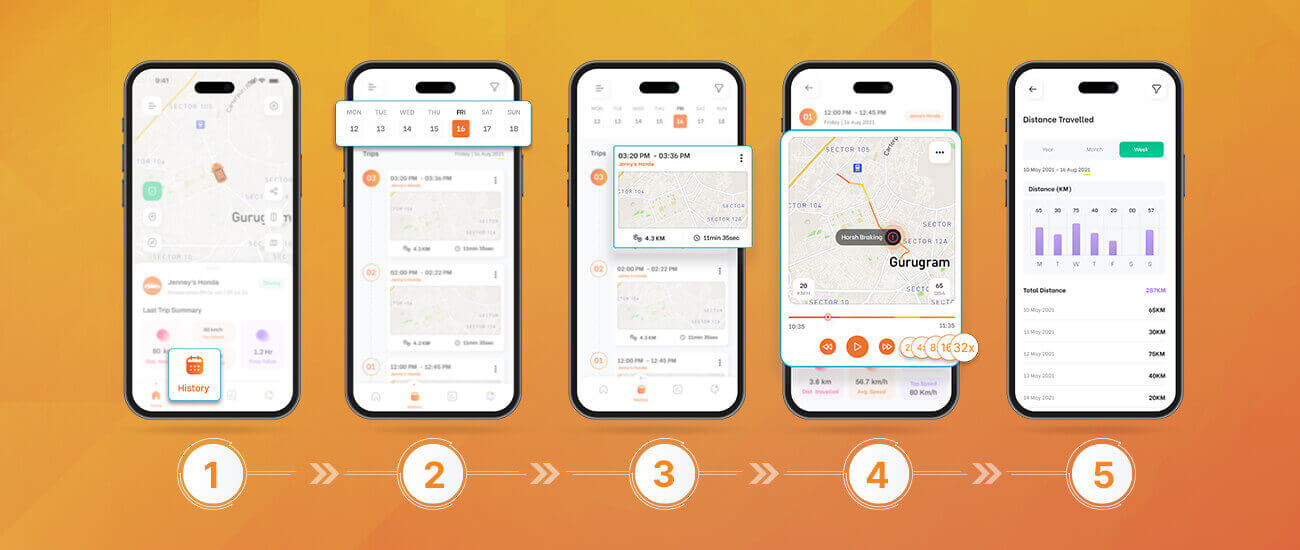
Step 2: Click on the ride card you want to get detailed insights of.
Step 3: Click on play to see an in depth view of the route your car took. You have the option to view this journey in 4x, 8x, 16x and 32x speeds.Step 4: Along with this, get insights on your distance, average speed, top speed, time taken to cover the distance and alerts that were prompted during the ride.
Voila! You’re ready to make the best use of your GPS Car Tracker!
*Please note that Qubo does not take responsibility for any car theft or damage and is an effective tool for tracking and enabling prompt emergency response by the customer.